 ImagePrint
Thermal Image Printer
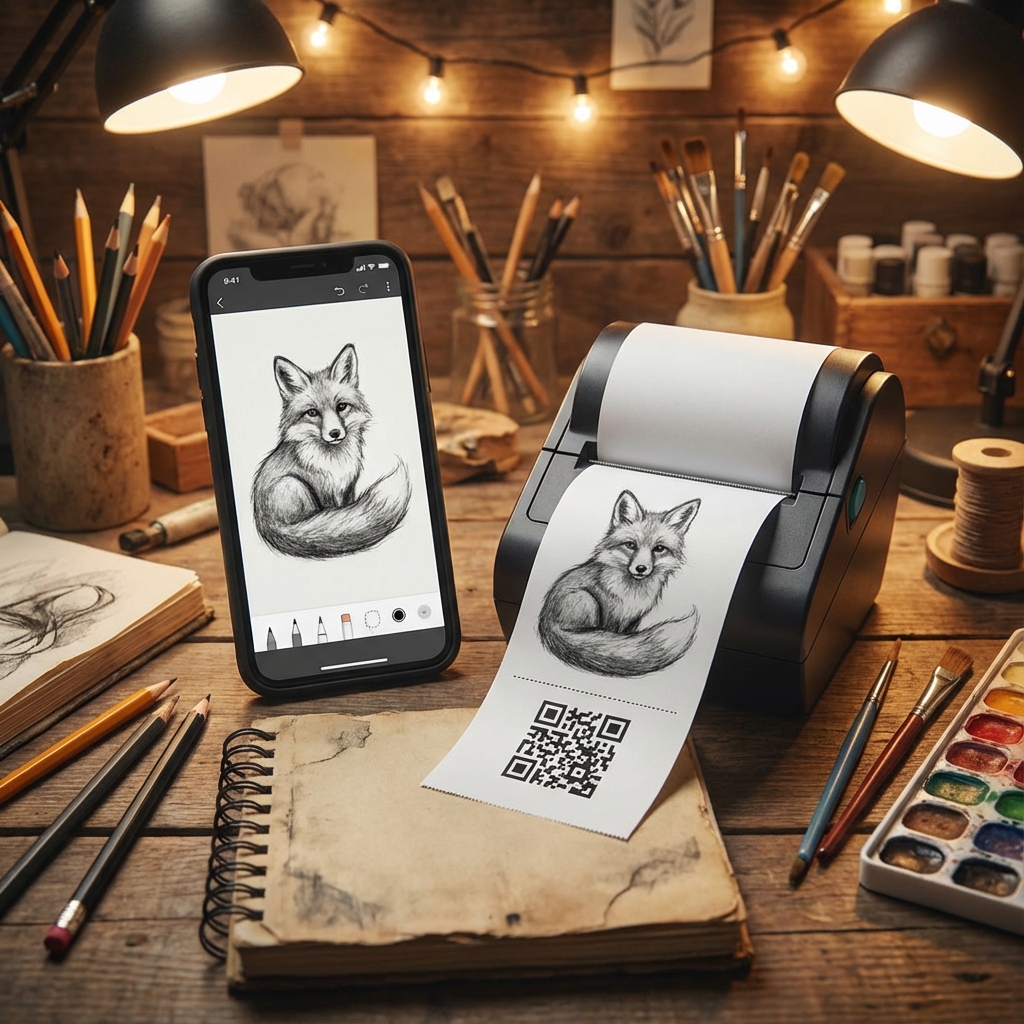
The bluetooth printer app dedicated to image-based thermal printing for users who primarily print images, QR codes, PDFs, and custom drawings. Optimized for visual content with canvas editor, 7 image formats, and support for 58mm/80mm thermal printers.
Full guides & support: bluetoothprinter.in
Powerful Features
Designed to make your life easier and more productive.
Multiple Content Types
Print images from gallery, QR codes, PDF documents, and custom drawings. Supports up to two images in a single print.
Canvas Draw & Print
Built-in canvas editor to draw freely, write content, and create simple designs. Print canvas output directly to thermal printer.
PDF Printing
Print PDF documents with support for individual pages or unlinked printing. Optimized for thermal printer output.
7 Image Formats
Choose from 7 default image formats before printing. Ensures better compatibility and clarity across different printer models.
58mm & 80mm Support
Designed for common Bluetooth thermal printers. Optimized image scaling based on paper width (58mm/80mm).
Date Formatting
Multiple date format options. Add date at the beginning or end of the print for timestamped output.
Default Text Customization
Add predefined text before or after images. Perfect for shop names, thank-you messages, notes, or disclaimers.
Image & QR Combination
Combine images and QR codes in one print job. Flexible content arrangement for various use cases.
Fully Offline
No internet connection required for printing. Suitable for field and counter usage without connectivity.
Simple Workflow
Select content → Choose format → Apply date/text → Print. Clean and distraction-free UI focused on images.
Privacy First
All images and files remain on your device. No mandatory login or cloud storage. No data uploaded without action.
Optimized Processing
Image processing optimized for thermal printers. Better image handling and formatting control than text-focused apps.
Perfect For
Various thermal printing applications
Event Tickets
Print photo tickets and passes instantly
Retail
Add product images to receipts and labels
Photo Booth
Create instant photo prints at events
Guides & Tutorials
Setup guides, image printing tips, and troubleshooting at bluetoothprinter.in
Thermal Image Printer Highlights
Image-focused thermal printing for retail shops, logistics teams, event counters, and businesses using QR codes.
Print images, QR codes, PDFs, and custom drawings - up to two images per print job with flexible combinations.
Built-in canvas editor for drawing, writing, and creating simple designs that print directly to thermal printer.
7 default image formats ensure better compatibility and clarity across different 58mm and 80mm printer models.
PDF printing support with individual page selection and unlinked printing options.
Date and text customization - add timestamps and predefined text (shop name, messages) before or after images.
Fully offline capable - no internet required for printing, perfect for field and counter usage.
Privacy-focused design - all images remain on device, no mandatory login or cloud storage.